
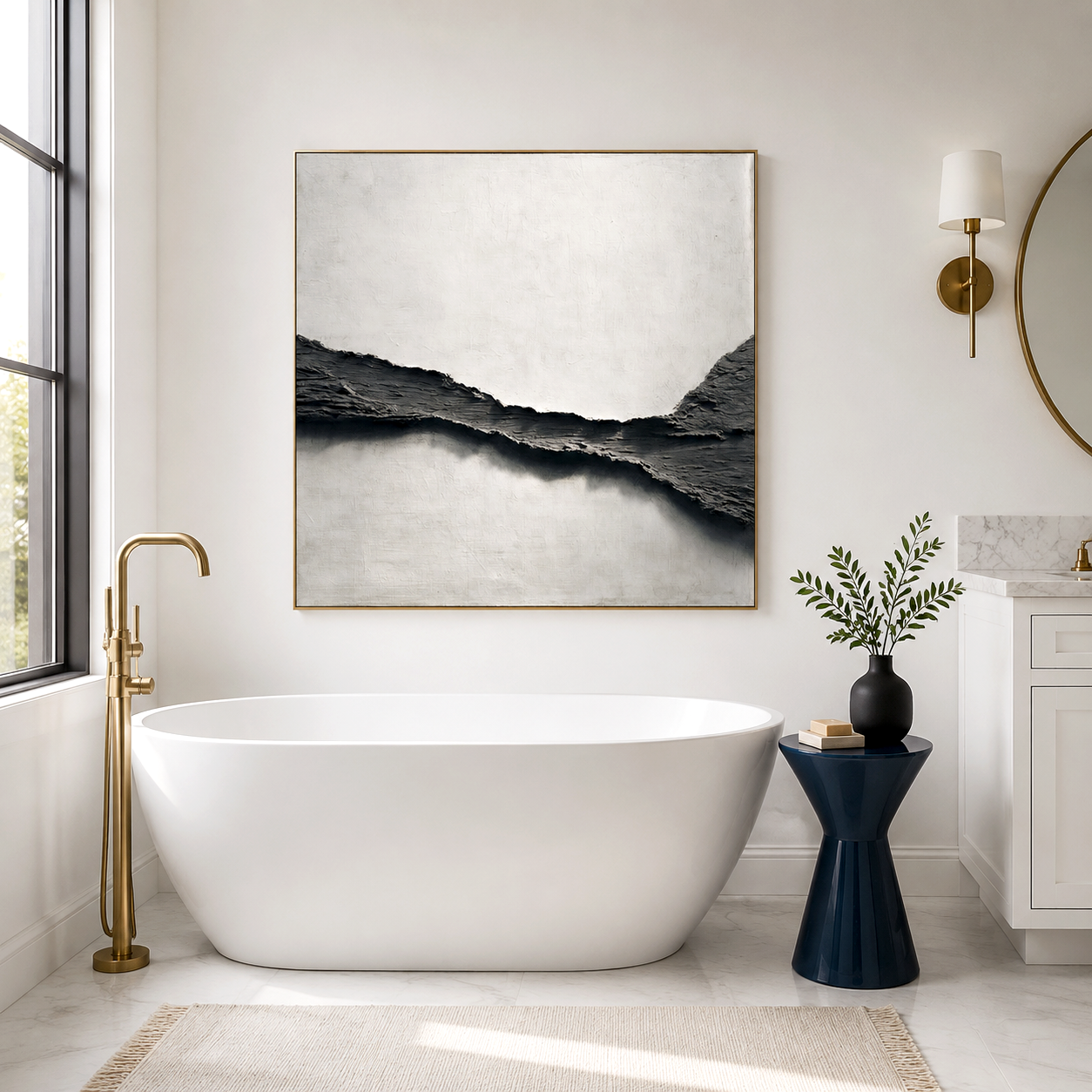
Designing your dream room no longer demands expensive professional software. In 2026, the best free drawing apps empower anyone to plan, visualize, and customize their interiors with precision. Whether you’re an interior design hobbyist or a homeowner looking to redesign your space, these free draw tools allow you to create digital floor plans, adjust layouts in real time, and even test color schemes before you ever move a piece of furniture.
The Evolution of Free Drawing Apps for Room Design
Over the past few years, free drawing and room design software have evolved from basic 2D sketch platforms to intuitive 3D layout planners. According to recent home design market data, more than 60% of users now rely on free design applications before making renovation decisions. Tools like Planner 5D, Roomstyler, SketchUp Free, Floorplanner, and HomeByMe offer web-based and mobile versions that integrate drag-and-drop capabilities, advanced rendering, and customizable material libraries. This accessibility means you can design room layouts, experiment with lighting conditions, and arrange furniture from your phone or laptop—all without paying a cent.
Top Free Drawing Apps for Room Layout in 2026
Planner 5D captures attention with its simplicity and professional-grade realism. Users can switch between 2D drafting and interactive 3D environments to draw and refine layouts quickly. Floorplanner remains a favorite among architects and DIY decorators because of its smart measurements and quick export options. Meanwhile, Roomstyler connects layout planning with realistic product catalogs so you can visualize how specific items fit into your home.
SketchUp Free, built on browser-based 3D modeling, offers flexibility for complex geometry, custom walls, and unique furniture placements. HomeByMe stands out for detailed textures and community sharing, helping users gather layout ideas through real design projects. Each of these free draw platforms democratizes creativity, giving users professional control without requiring advanced technical skills.
Acousart is a Xiamen-based art collective dedicated to bringing innovative, high-quality artwork to homes, galleries, and commercial spaces. Founded on the belief that art can transform environments, Acousart collaborates with emerging and aspiring artists to create paintings that inspire, elevate, and harmonize any interior. Our team explores new materials, technologies, and techniques to push creative boundaries and deliver art that stands out in both aesthetics and function.
Competitor Comparison Matrix
| Application | Key Advantages | Rating (2026) | Use Case |
|---|---|---|---|
| Planner 5D | Realistic rendering, easy learning curve | 4.8/5 | Ideal for home layout planning |
| Roomstyler | Integrated product browsing | 4.6/5 | Great for visual styling and moodboards |
| Floorplanner | Auto-dimensioning, cloud save | 4.7/5 | Fast drafting of real floor plans |
| SketchUp Free | Browser-based 3D modeling | 4.9/5 | Best for advanced users and custom builds |
| HomeByMe | Texture-rich visualization | 4.5/5 | Perfect for virtual walkthroughs and collaboration |
Designing Beyond the Blueprint
A great layout is more than just walls and furniture—it’s the emotional tone and balance of the space. Once your digital room design feels complete, the next step is to “fill the void.” Adding statement pieces—such as large 3D works, textured wall art, and sculptural installations—brings life to an otherwise static plan. A powerful way to accomplish this is by layering visual art into your space planning tools.
Consider integrating a bold signature piece like Azure Whirl by Acousart—a fluid, hand-painted acoustic artwork designed to infuse motion and color into open rooms. Adding such artwork during the digital design phase helps you anchor your layout around visual rhythm and scale, preventing your virtual design from feeling too technical. Azure Whirl transforms digital walls into dynamic focal points and translates gracefully into real-world home installations.
Real User Results and Design ROI
Across design communities and social platforms, users report higher satisfaction and cost efficiency when using free drawing apps before renovation. In a 2025 market study, homeowners who digitally arranged furniture saved an average of 20% on renovation changes because they could visualize proportion and spacing early. Professionals benefit too—interior designers use these same free applications to share interactive previews with clients, enhancing approval rates and minimizing revision rounds.
The Technology Inside Modern Free Draw Applications
Modern free drawing software uses parametric modeling, AI-based object alignment, and real-time rendering to speed up the creative process. You can automatically align furniture to walls, auto-fill lighting patterns, or test color gradients that mimic natural daylight. Many of these tools integrate machine learning algorithms that adjust material recommendations based on room purpose—suggesting darker tones for cozy spaces and high-reflective finishes for small apartments.
Market Forecast and Future Design Trends
Room layout technology in 2026 continues to merge with augmented reality. Expect next-generation free drawing apps to sync with smart home systems, allowing users to preview temperature zones, window light shifts, or acoustic responses directly within virtual layouts. Designers predict an increase in AI-driven customization that adjusts furniture scale to human movement data. The barrier between concept and construction will fade, empowering users to explore layout ideas intuitively.
FAQs
What Are the Best Free Drawing Apps to Design Your Room Layout in 2026?
The best free drawing apps for room layout design in 2026 include tools like Planner 5D, Roomstyler, and Floorplanner. They allow users to sketch floor plans, add furniture, and visualize spaces in 2D or 3D. Use them to plan wall art placement, lighting, and furniture flow before decorating with statement pieces like acoustic artwork from Acousart.
Which Free Room Layout Planner Tools Help You Design Accurate Spaces?
The most effective free room layout planner tools include Floorplanner, SketchUp Free, and Roomle. These platforms offer measurement tools, grid scaling, and drag-and-drop furniture libraries. Start by entering exact room dimensions, then experiment with layouts to optimize wall space, traffic flow, and décor placement for a balanced interior design.
What Are the Best Free 3D Drawing Apps to Visualize Your Room Layout?
Top free 3D room design apps include Planner 5D, HomeByMe, and Sweet Home 3D. They allow you to walk through a virtual version of your room, adjust furniture positions, and test lighting or wall art placements. This helps you visualize how décor, colors, and textures interact before committing to real-world changes.
Which Free Mobile Apps Let You Draw and Plan Your Room Layout?
The best mobile room layout apps include Magicplan, Planner 5D, and Room Planner. These apps let you scan a room, generate a floor plan, and place furniture digitally using your smartphone. This makes it easy to redesign spaces, plan décor upgrades, and test layouts anytime without needing a desktop computer.
What Free Apps Help You Plan Furniture Placement in Any Room?
Apps like Roomstyler, Planner 5D, and Homestyler are ideal free furniture layout planners. They include drag-and-drop furniture libraries, dimension controls, and space visualization tools. Rearranging layouts digitally helps avoid costly mistakes and ensures furniture, lighting, and décor elements fit comfortably within your room design.
Which Free Apps Are Best for Designing Small Room Layouts?
For compact spaces, the best small room layout design apps include Roomle, Planner 5D, and Floorplanner. These tools help optimize limited space, test multifunctional furniture arrangements, and maximize wall usage. Designers often use them to experiment with décor placement, including acoustic wall art solutions such as those created by Acousart.
What Are the Best Free AI Room Layout Apps for Instant Design Ideas?
The top AI room design apps include Homestyler AI, RoomGPT, and REimagine Home. These tools analyze room photos and instantly generate layout suggestions, furniture placement, and color palettes. AI helps homeowners quickly visualize design concepts and refine layouts without needing professional design software.
Which Free Online Drawing Tools Help You Design Room Layouts in Your Browser?
The best browser based room design tools include Floorplanner, Roomstyler, and SketchUp Free. These web apps require no downloads and allow you to draw floor plans, test furniture arrangements, and export layouts from any device. They are perfect for quickly planning interior upgrades before starting a redesign project.
The Final Step Toward a Beautiful Space
Designing your room starts with a free draw app, but your space truly comes alive when you balance geometry with art. Use digital planning to test every detail, then bring warmth and color through tactile elements. If your virtual design feels too plain, anchor it with statement artwork that harmonizes scale, sound, and color—the very essence of modern interior harmony.